Collaboration Update
I talked with Antonia and discussed about the possibility of making a magic wand that captures user's movement as points on canvas. We're using gyroscope, accelerometer and magnetometer.
- Gyroscope -> to detect whether there's a jolt in movement so we can turn on the wand / enable it to draw
- Accelerometer -> to get how much are we moving on x and y axis
- Magnetometer -> get direction (rotation) on z axis
I think it'd be interesting to use the body movement to capture the Internet signal as well. Imagine the magic wand to be like an antenna, and our human body to be the searching machine for good Wifi/Internet signal.
An LED light may light up if the Internet signal is better, visually prompting the user to go closer (or maybe away?) to the strong Internet area. And what's the point of all of these? The device itself is shaped in a playful way and we're definitely not going into the utilitarian direction.
The magic wand will be an expressive, interpretative, playful capturing device for Internet signals. It is expressive and interpretative because user is free to roam with the wand and draw. The strength of the Internet signal is a guide for the user to draw, but maybe will not be the easiest to follow (as they cannot see the network).
When they have finished with the drawing, they can press a button to print -> another networked connectivity homework that we have to do. Theoretically, we can connect the printer with this schema:
Arduino button -> backend (Node) -> alerts frontend to send canvas -> frontend sends canvas information to backend -> Node prompts 370 Jay printer to print
Reality Check
Some untangling of directions need to be done... and normalization of the direction as I just remembered that the compass module is a compass, it won't give any heading relative to our orientation. So I added a part in the beginning of the Arduino loop to calibrate the compass using the initial heading, and then substract it to the reading.
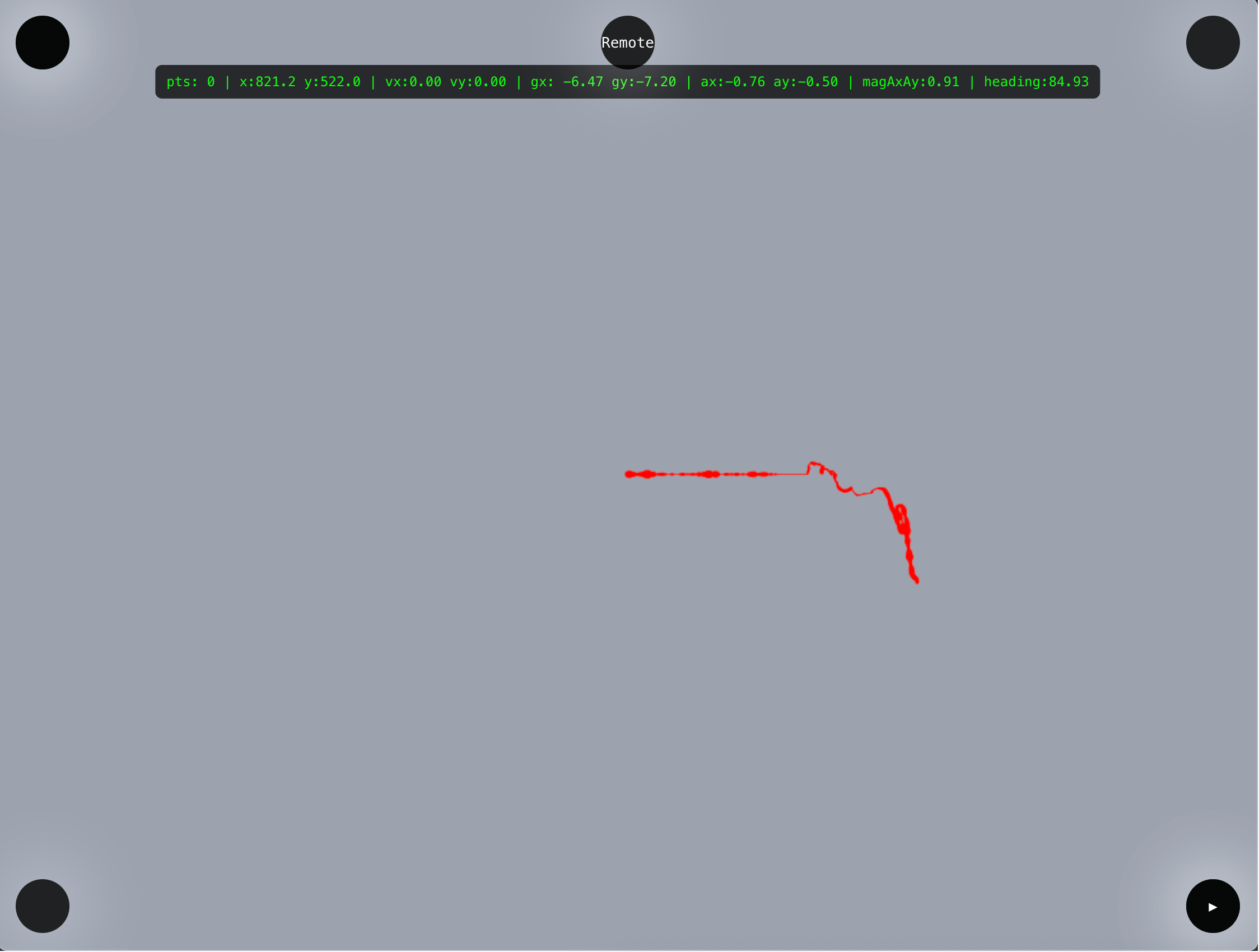
Added a grid as well as per feedback in class so that user is aware of the direction and magnitude of their movement.
Feedbacks & Issues
1. code is still stopping after some seconds but at least i get to draw a little bit more than before (still dk whats the prob, tom said to debug one by one by removing the code one by one, we did it and when i removed the network code it is smooth and not stuck at all, so maybe this can be fixed by migrating to MQTT communication)
2. Tom suggested that as a dashboard maybe we can log how much the wand is being picked up and at what time of the day it is being used the most
3. I wanna add playback function if possible (so we can playback the drawing)
4. (ambitious & just dreaming) it'd be cool if we can add camera module and then we can pick the color we want to use for painting by getting near to the real life object with the desired color and mark it by pressing a button
5. Tom suggests adding a button to do the heading calibration for UX purposes
Elizabeth Kezia Widjaja © 2026 🙂