Photography has always been about perspective: how we look at the world, frame a moment, and record a story. But as a photographer, I’ve often felt that the act of looking/photographing gets weighed down, ironically, by the camera device itself. First, it distances you from your subject, it adds a distraction to the act of the photographing itself, which could be due to the weight of the camera, the photography settings and setups. Second, it is quiet limited to two dimensional image, which is arguably not the dimensions that we perceive the world in. What if we could get closer to our body’s natural perception? fotofoto is my attempt to push photography toward an embodied, spatial practice using mixed reality (MR).
This project was developed in Hedonomic VR with Michelle Cortese at NYU ITP, and it was my first time using Unity for a utility project rather than a game. The goal was not only technical fluency, but also a conceptual shift in how image capture can become felt not just seen.
Transferring the Act of Photography to the Body
At its core, fotofoto rejects the traditional camera interface. Instead:
- Users resize and crop the capture view using an L gesture
- Users flick index finger to take a photo
- The experience happens in mixed reality, where image planes exist in 3D space
Because images live in space, the results are not flat 2D snapshots. They are spatial image sculptures, something like a cubist collage that you can walk around and explore. Imagine a panorama, not as a flat strip but as a 3D structure you can navigate from every angle.
This makes photography less about pressing buttons and more about movement, body language, and spatial context.
Full Demo
Tools & Libraries
Meta Quest Interaction SDK, Meta Quest Passthrough SDK, Unity
Architecture & Features
1. solofoto: default capture mode
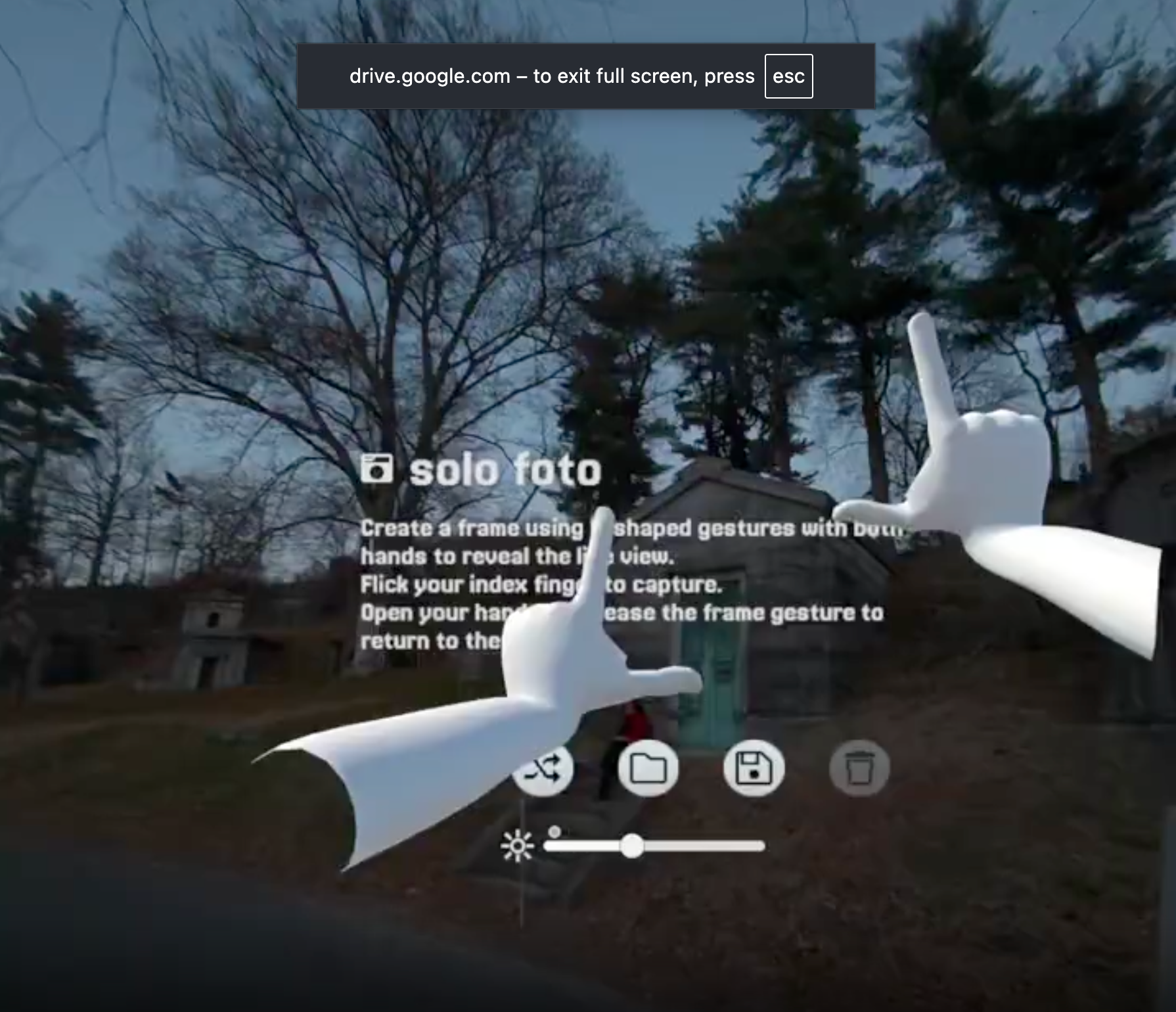
- MR passthrough camera feed (backed by QuestCameraKit)
- Gesture-driven cropping and capture
- Spatial image placement
Learning to integrate passthrough camera input was a key technical hurdle, I used QuestCameraKit as a reference repository in order to bring camera access into Unity’s MR environment. This was a huge help in jumping into a space where documentation is still emerging. (Thank you, Rob and the QuestCameraKit community!)
2. remix foto: Spatial Editing After Capture
remix foto, invites users to bring existing images into 3D space:
- Scan a QR code to load a photo into the app
- Position and transform that photo’s image plane within the MR scene
- Remix multiple images into a spatial composition
This flips photography into a creative, spatial collage practice where the viewer becomes a sculptor of images.
The reason why it is loaded from a weird source: QR code, is because I have yet to figure out how to load an image from local file system in the VR headset. Another task list to decode! I'm basically just taking the QR code example from the same MetaQuest MR kit.
3. save foto
Saves the position and texture of the captured planes locally.
4. load foto
Technical Notes
While fotofoto is conceptually about embodied photography, it is also a very concrete hand-tracking system built in Unity. The core interaction logic lives in a single orchestration script: HandGestureDetector.cs.
This system translates raw hand skeleton data into three high-level actions:
- Framing (via both hands)
- Previewing (SoloFoto vs RemixFoto)
- Capturing (via an index-finger flick)
Rather than relying on predefined gestures (i found it confusing), fotofoto reads finger joint angles and bone positions directly and interprets them spatially.
fotofoto is often described visually as using an “L-shaped” framing gesture, but technically the system does not enforce a strict L or a 90-degree angle between the thumb and index finger. Early on, I realized that holding a precise angle is difficult, fatiguing, and unnecessarily restrictive, especially in VR. Instead, the gesture system is intentionally loose and permissive.
For framing to activate, the code only checks:
- Both hands are tracked
- Thumb and index fingers are unfolded
- Middle, ring, and pinky fingers are folded
There is no angle computation (no dot products, no perpendicularity checks). The thumb and index do not need to form a perfect corner, they simply need to open outward. This makes the gesture easier to perform, more inclusive, and more expressive, allowing users to be “loose” with their framing rather than performing a symbolic pose.
Bones & Joints
The system uses Meta Quest hand tracking via Unity’s XR hand APIs and works directly at the joint (bone) level. On every frame update (Update()), it retrieves the world position for the fingers of each hand:
metacarpal -> baseJoint.positionintermediate -> mid.positiontip -> tip.position- Palm or wrist root
Finger extension or folding is inferred by computing the dot product of vector between, then find the angle by computing it with Acos.
Vector3 v1 = mid.position - baseJoint.position;
Vector3 v2 = tip.position - mid.position;
float dot = Vector3.Dot(v1.normalized, v2.normalized);
return Mathf.Acos(Mathf.Clamp(dot, -1, 1)) * Mathf.Rad2Deg;
Then, decided whether the fingers are folded in L shape by checking if middle, ring, and pinky are folded (more than 45f). leftFingersFolded = leftHand.middleA > 45f && leftHand.ringA > 45f && leftHand.pinkyA > 45f;
rightFingersFolded = rightHand.middleA > 45f && rightHand.ringA > 45f && rightHand.pinkyA > 45f;
These booleans are then used to gate whether the framing gesture is considered active. Another check whether index proximal and wrist root are added to make sure the index and thumb is visible.
shouldShowFrame = leftFingersFolded && rightFingersFolded &&
leftHand.IndexProximal && rightHand.IndexProximal &&
leftHand.WristRoot && rightHand.WristRoot;
Why Thumb Tips Define the Frame
Rather than computing a virtual “corner” between the index and thumb, fotofoto uses the thumb tip positions of both hands as the diagonal corners of the capture frame.
This was a deliberate design choice:
- Using thumb tips helps prevent fingers from appearing in the captured image
- The framing points are slightly inset, keeping the hands out of view
- The gesture feels more like framing space than pointing at a screen
Either hand can define the top or bottom of the frame. The system determines orientation dynamically by comparing the vertical (Y-axis) positions of the two thumb tips, whichever is higher becomes the top corner.bool leftIsLower = leftPos.y < rightPos.y;float verticalDist = Mathf.Abs(leftPos.y - rightPos.y);
float horizontalDist = Mathf.Abs(leftPos.x - rightPos.x);
Frame Construction in Space
Once the gesture is active:
- The two thumb tips define diagonal corners of a rectangle
- Width and height are computed from their spatial distance
float verticalDist = Mathf.Abs(leftPos.y - rightPos.y);
and the points for each corner is:
if (leftIsLower)
{
bottomLeft = leftPos;
topRight = rightPos;
topLeft = new Vector3(leftPos.x, leftPos.y + verticalDist, leftPos.z);
bottomRight = new Vector3(rightPos.x, rightPos.y - verticalDist, rightPos.z);
}
else
{
bottomRight = rightPos;
topLeft = leftPos;
bottomLeft = new Vector3(leftPos.x, leftPos.y - verticalDist, leftPos.z);
topRight = new Vector3(rightPos.x, rightPos.y + verticalDist, rightPos.z);
}
- Rotation is derived from left–right and bottom–top vectors
- The frame exists as a 3D plane, not a flat UI overlay
This allows the frame to live directly inside mixed reality space, responding naturally to body movement.
For solofoto, it uses UpdateFrameFromFingers(), for remixfoto it uses UpdateQRFrameFromFingers(). The difference is that remixfoto does not need camera reference.
Capture Gesture: Index Flick
Instead of a button press or pinch, image capture is triggered by a temporal (cooldown ~2s) index-finger gesture (DetectFlicker() and DetectIndexFlicker()).
The system detects:
- Index finger extending
- Then folding back in (a flick-like motion, less than 20f)
bool isIndexOut = (indexA < 20f);
bool flickered = wasIndexOut && !isIndexOut;
wasIndexOut = isIndexOut;
return flickered;
This change in the IndexTip joint position triggers the shutter, with a cooldown to prevent accidental multiple captures. The goal is to make capture feel fluid and embodied rather than mechanical.
Mesh & Shader Choices
All image planes are rendered using an Unlit shader (Unlit/Texture or Sprites/Default as fallback).
Future Directions
There are several features I haven’t fully built yet, but that I’m excited to explore:
1. co-foto:
A co-located image making mode where multiple people can contribute to a shared spatial image composition
2. Export MR screenshots
3. Print spatial compositions as tangible artifacts
4. Share fully navigable 3D image sculptures
These features extend fotofoto from a personal tool into a social and expressive medium.
Reflections: What I Learned
1. Unity as a Utility Tool
Unity has long been framed as a game engine, but there’s immense power in using it for utility and expressive systems. Mixed reality design allows you to rethink familiar metaphors (like the camera) from first principles.
2. Gesture as Interface
Designing gesture interactions means thinking about:
- Natural movement
- Affordances of the human body
- How space and meaning interact in 3D interfaces
MR design isn’t just about visuals, it’s about experience. As you prototype gestures and spatial interactions, you confront the core of what an interface even is in an embodied context.
Photos & More Demos
Greenwood Cemetery with Rubina
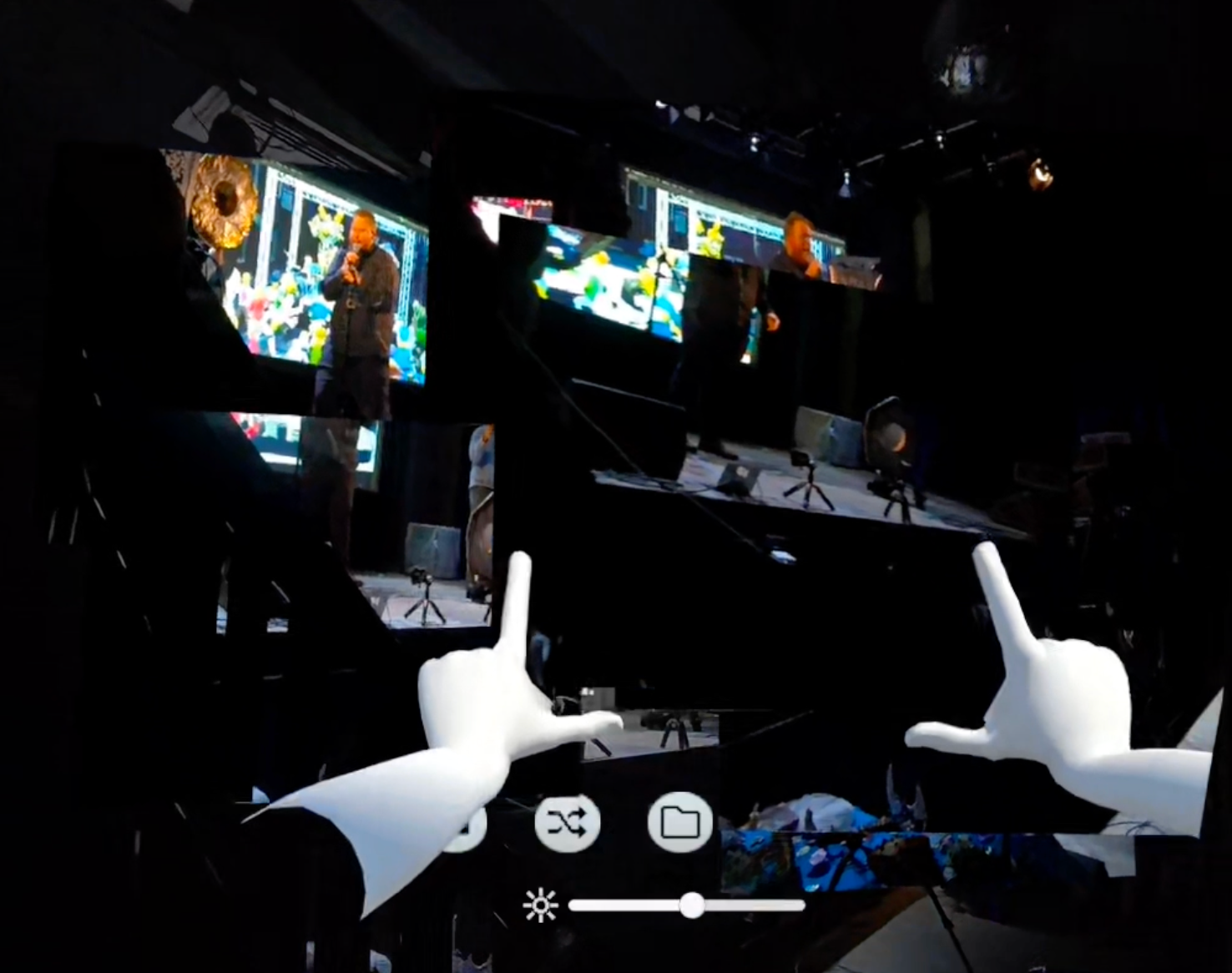
Ryan Rotella at ITP Spring 2025's Alter Egos
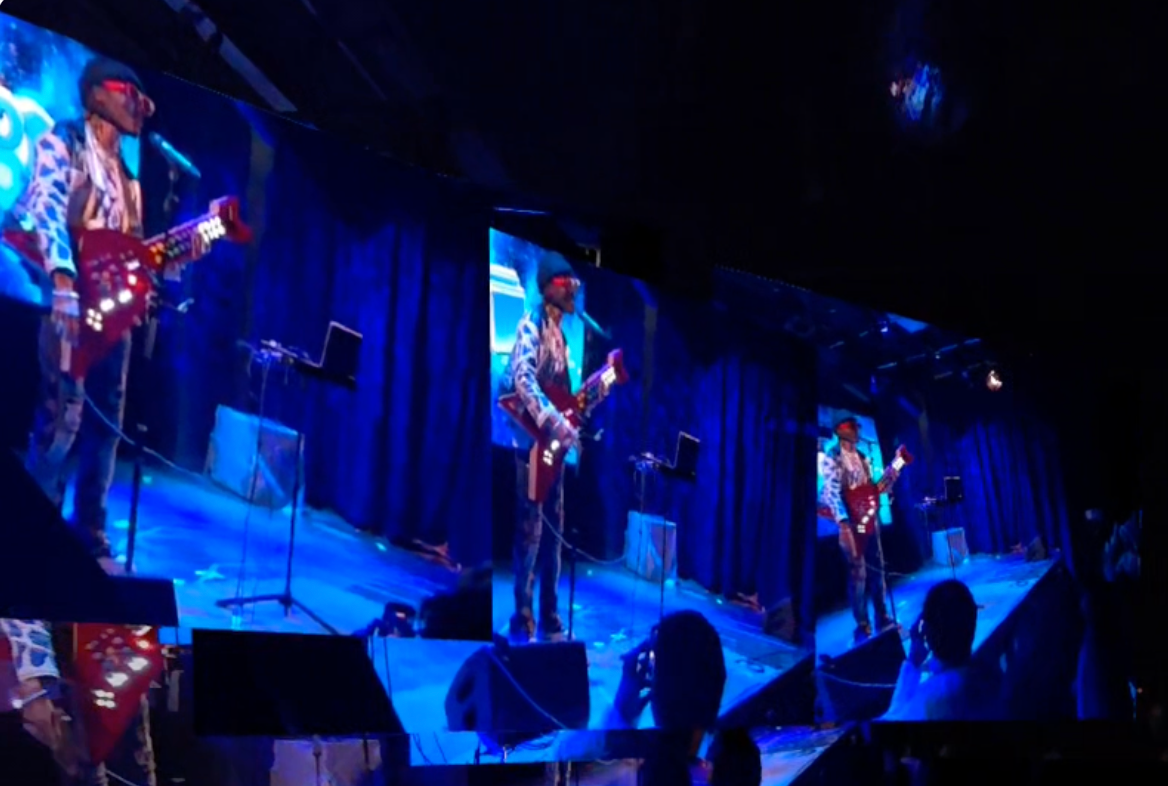
Tofu Jack at ITP Spring 2025's Alter Egos
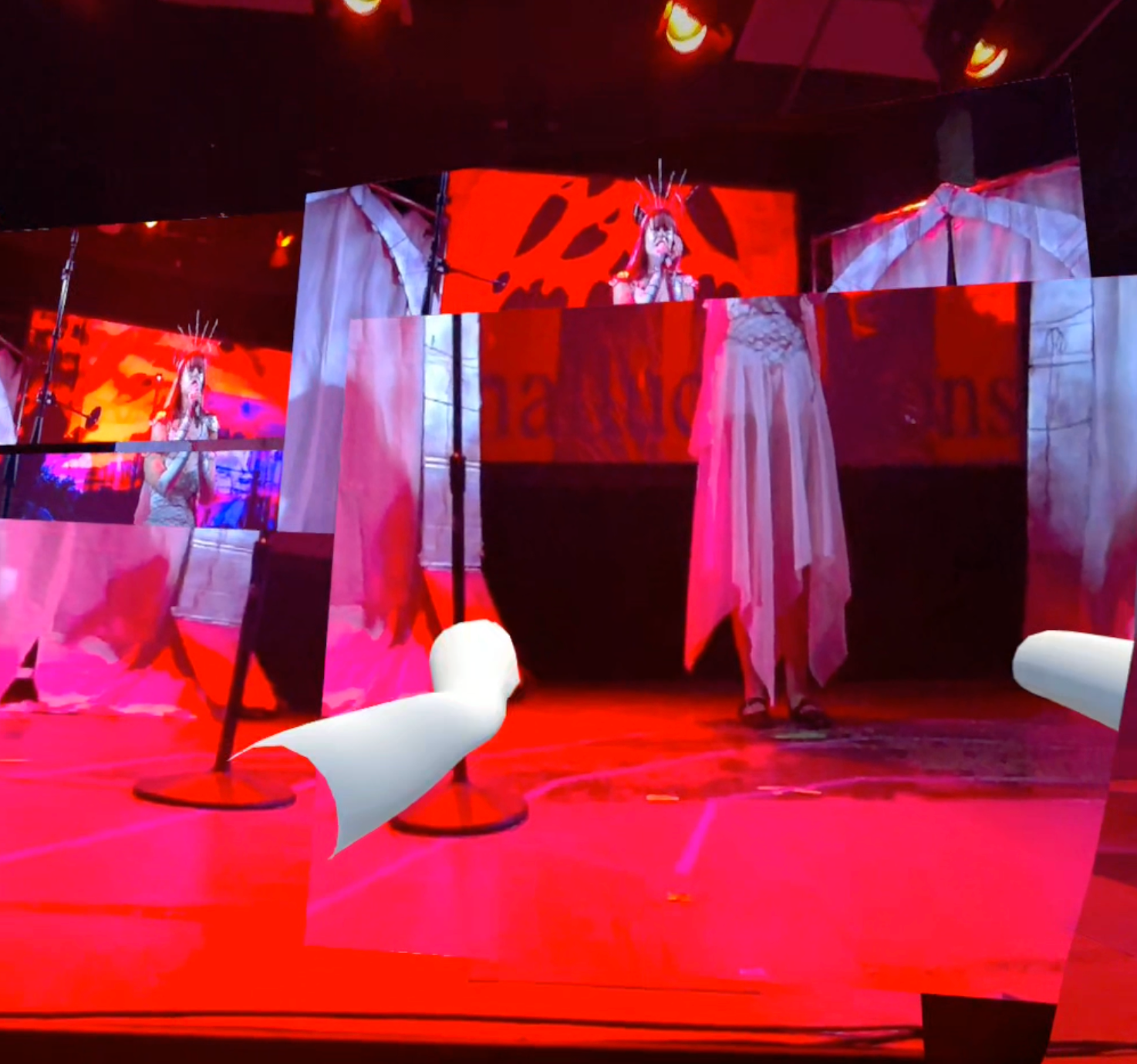
Olivia at ITP Spring 2025's Alter Egos
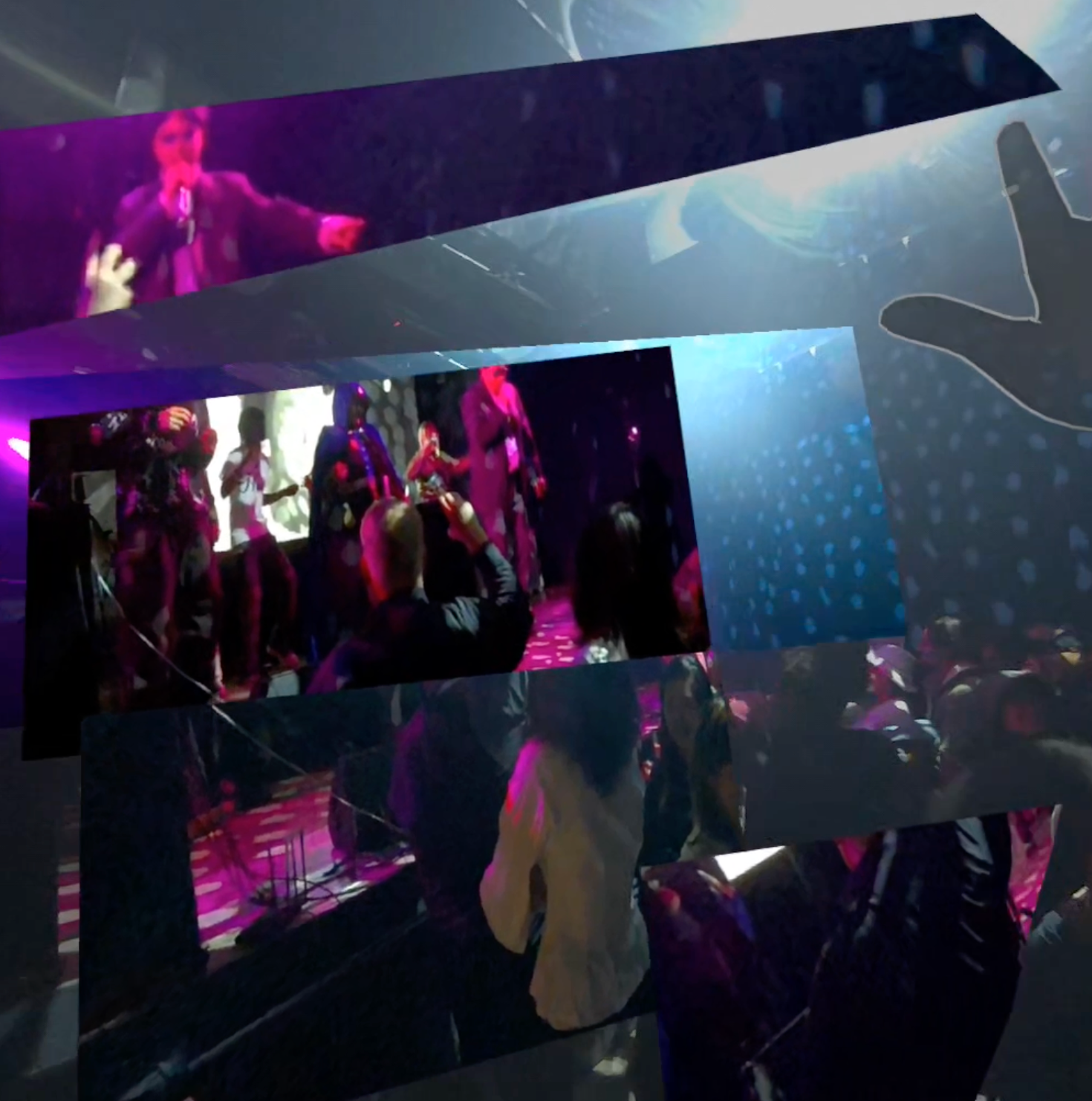
Mark v2 at ITP Spring 2025's Alter Egos
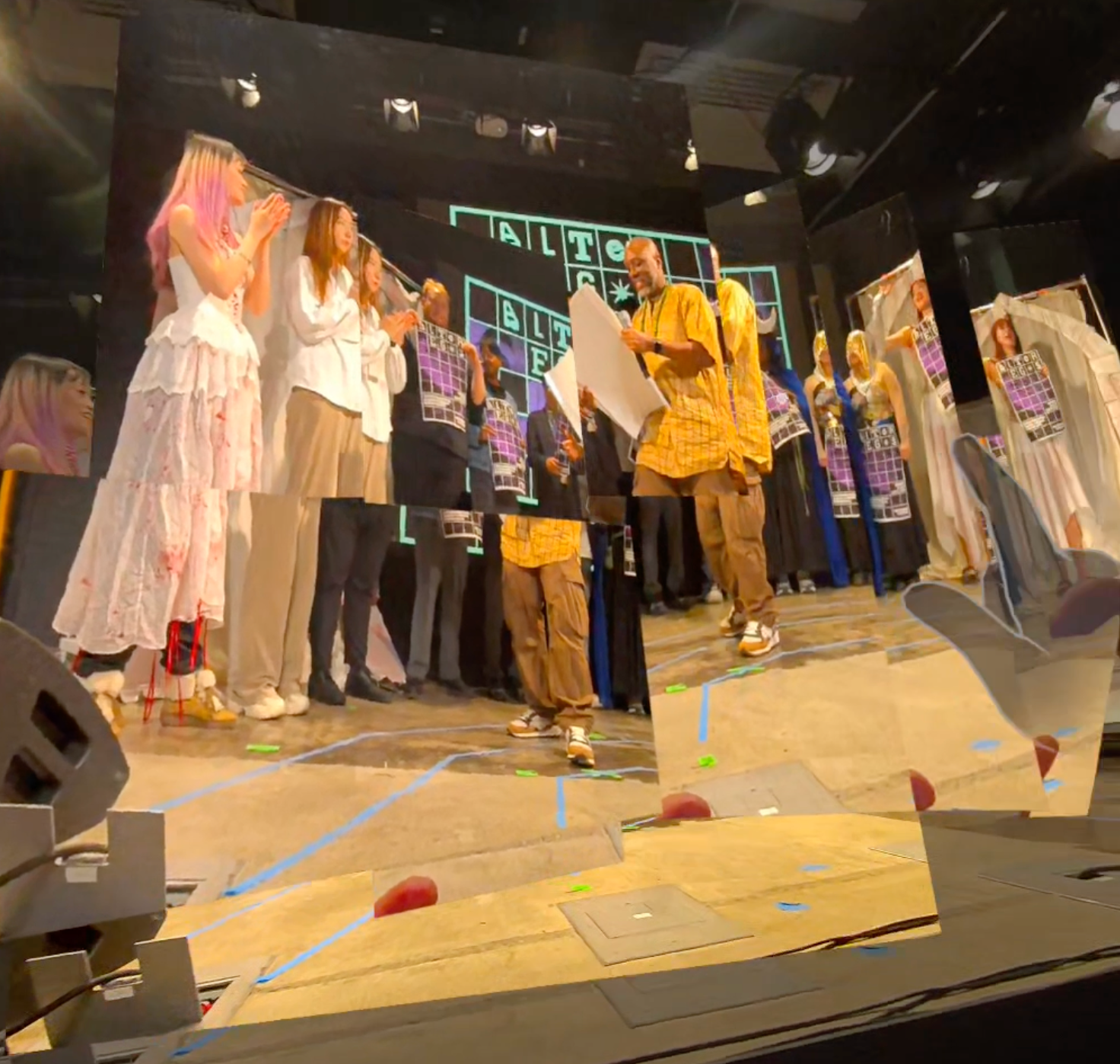
ITP Spring 2025's Alter Egos
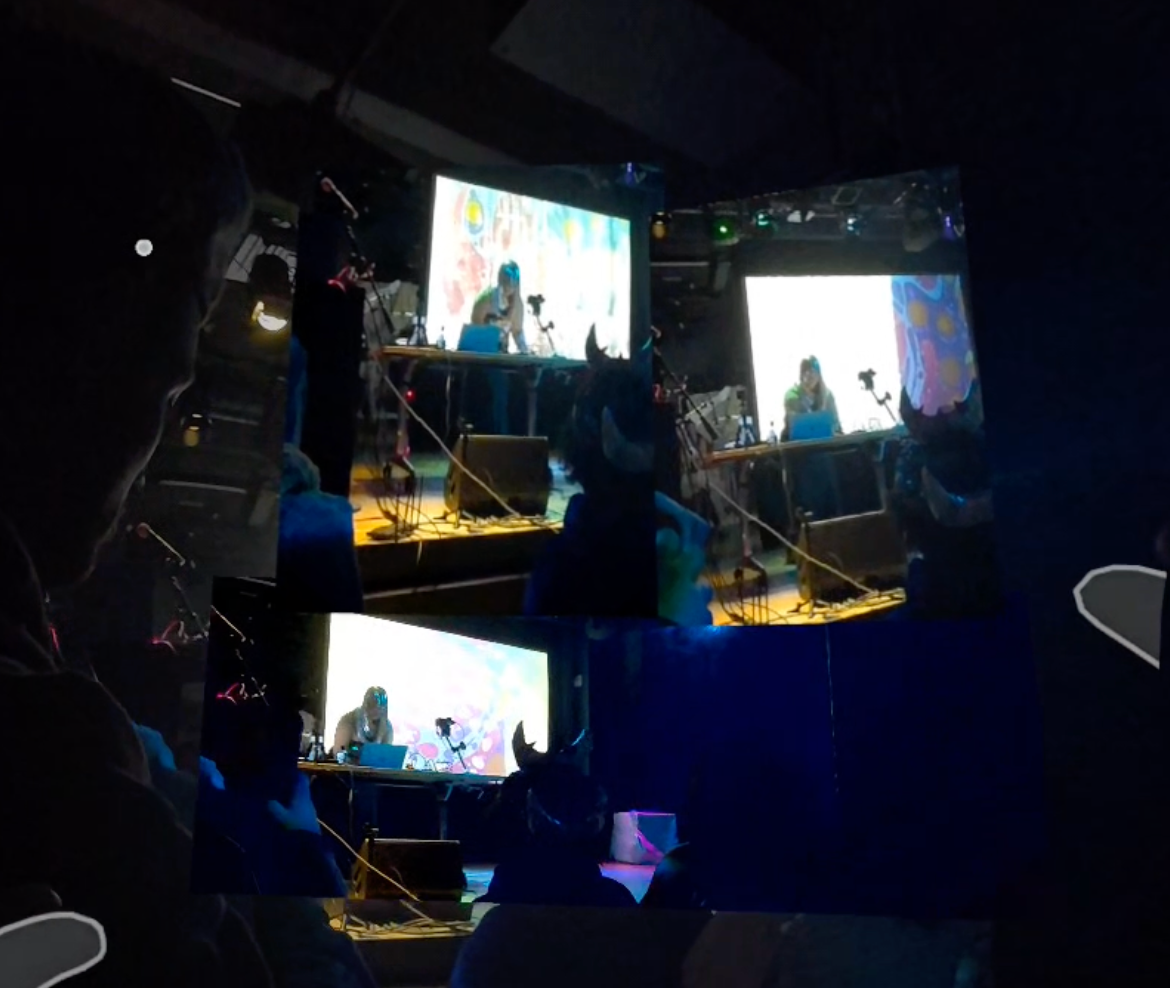
Acknowledgements
Massive thanks to:
- Michelle Cortese and the Hedonomic VR class
- Rob and the QuestCameraKit repo
- ITP’s creative community for constant inspiration
Closing Thoughts
fotofoto represents a personal shift in how I conceive of photography: not as a tool for documentation, but as an interface that can become more intimate, spatial, and embodied. I’m excited to continue refining this work and exploring what photography — and presence — can become in mixed reality.
Elizabeth Kezia Widjaja © 2026 🙂